How Coinremitter Works
Accepting cryptocurrency payments with Coinremitter just takes a few simple steps. Here, we will learn how you can accept crypto payments on Coinremitter.
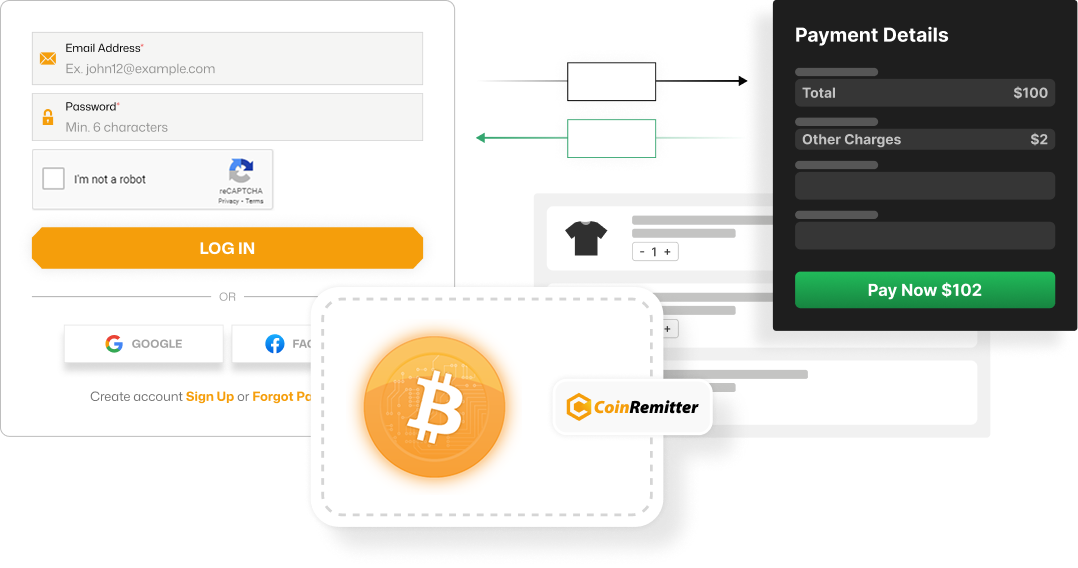
Important Steps to Accept Crypto Payments

Create Coinremitter Account
- No KYC

- Easy Onboarding
- High Privacy

Create An Internal Wallet
- Protected by API Key & Password
- Auto and Manual Withdrawals
- Fund Security with Daily Limits
- Webhook to Get Notified
- Multiple Webhook Confirmations (Default: 3)
Integrate Cryptocurrency Payments
Custom, Flexible, and Requires Technical Skills. Use the 'Create New Address' API when you want to accept crypto on your website. Use the 'Create Invoice' API when you want a branded solution without having a website.
Method 01
Using The ‘Create New Address’ API
- 01Ensure a valid webhook URL before generating an address.
- 02Call the 'Create New Address' API.
- 03Display the same address & amount to the checkout.
- 04Receive a webhook for incoming transactions.
Notes
- Only process the type=receive response in the webhook.
- Only deliver service/product when the confirmation is 3 or more.
- Anyone can send webhooks, so don't trust any webhook blindly. Verify it.
- Call the 'Get Transaction By Address' API to check the transaction.
- It's better to keep transaction records in your database, as Coinremitter keep data for limited time.
Method 02
Using the 'Create Invoice' API
- 01Call the 'Create Invoice' API.
- 02Set the 'notify-url'.
- 03Receive a notification on the same URL for incoming transactions.
Notes
- Anyone can send notifications, so don't trust any data on notify_url blindly. Verify it.
- Call the 'Get Invoice' API to verify the invoice status.
For withdrawals, you can use the ‘Withdraw API’.
You can use the 'Withdraw API'. You can only withdraw funds from the crypto API docs if API Withdrawals for a particular wallet are enabled.
Other Ready-To-Use Solutions
Low to No Coding Skills Needed

Crypto Payment Plugins
Ready-to-install plugin files for the following platforms


Crypto Payment Widgets
Auto-generated code or URL for your widget preferences.

Ideal for tiered pricing plans.
Ideal for crypto presales or ICOs.
Ideal for businesses and NGOs (fixed amount).
Ideal for businesses and NGOs (fixed and custom amount).
The Complete Payment and Settlement Flow
The Customer Proceeds With The Checkout
The Customer Makes The Payment
The Network Validates The Payment
The Amount Gets Deposited To Your Internal Wallet
Coinremitter Will Notify The Payment Data On Your Webhook Url
Funds Are Automatically Transferred To Your External Wallet
Frequently Asked Questions
The internal wallet operates inside Coinremitter’s ecosystem. It is ideal for accepting payments rather than storing funds. On the other hand, an external wallet operates outside our gateway’s ecosystem, where you can withdraw, control, and hold your funds.
+By no-KYC registrations, we mean that you don’t have to submit any documents or ID proofs and wait for days for your verification. This speeds up registration and enhances your online privacy.
+Since there is no KYC verification, the signup process is quite short and quick. It eliminates the delay caused by document verification, so registration on this platform takes about 3-5 minutes.
+Our crypto gateway settles your funds by transferring funds to your external/personal wallets every 30 minutes. However, you can purchase premium and opt for manual withdrawals if you don’t want automatic settlements.
+Yes, if you want more flexibility, you can use APIs instead of crypto payment plugins, even if we have a supported plugin for your website.
+To check whether your crypto payment integration is successful or not, you can create a test coin (TCN) wallet. You can connect it with your integration just like another Coinremitter wallet and make a test payment to verify the integration.
+Yes, Coinremitter is supported in over 130 countries. You can use our platform for cross-border transactions without any fees or additional charges.
+Yes, you can do this. Our platform offers the Crypto Payment Page and Invoice. Both features offer a shareable URL. So, you can request payments by sharing any of them with the buyer. You can also ask customers to directly pay to your wallet.
+No, widgets aren’t a complete no-code solution. Instead, they eliminate manual coding by providing businesses with auto-generated code based on their preferences.
+Yes, since all the payments through Coinremitter are deposited to an internal wallet, creating one is mandatory.
+
Over NaN merchants are using CoinRemitter
Join them now